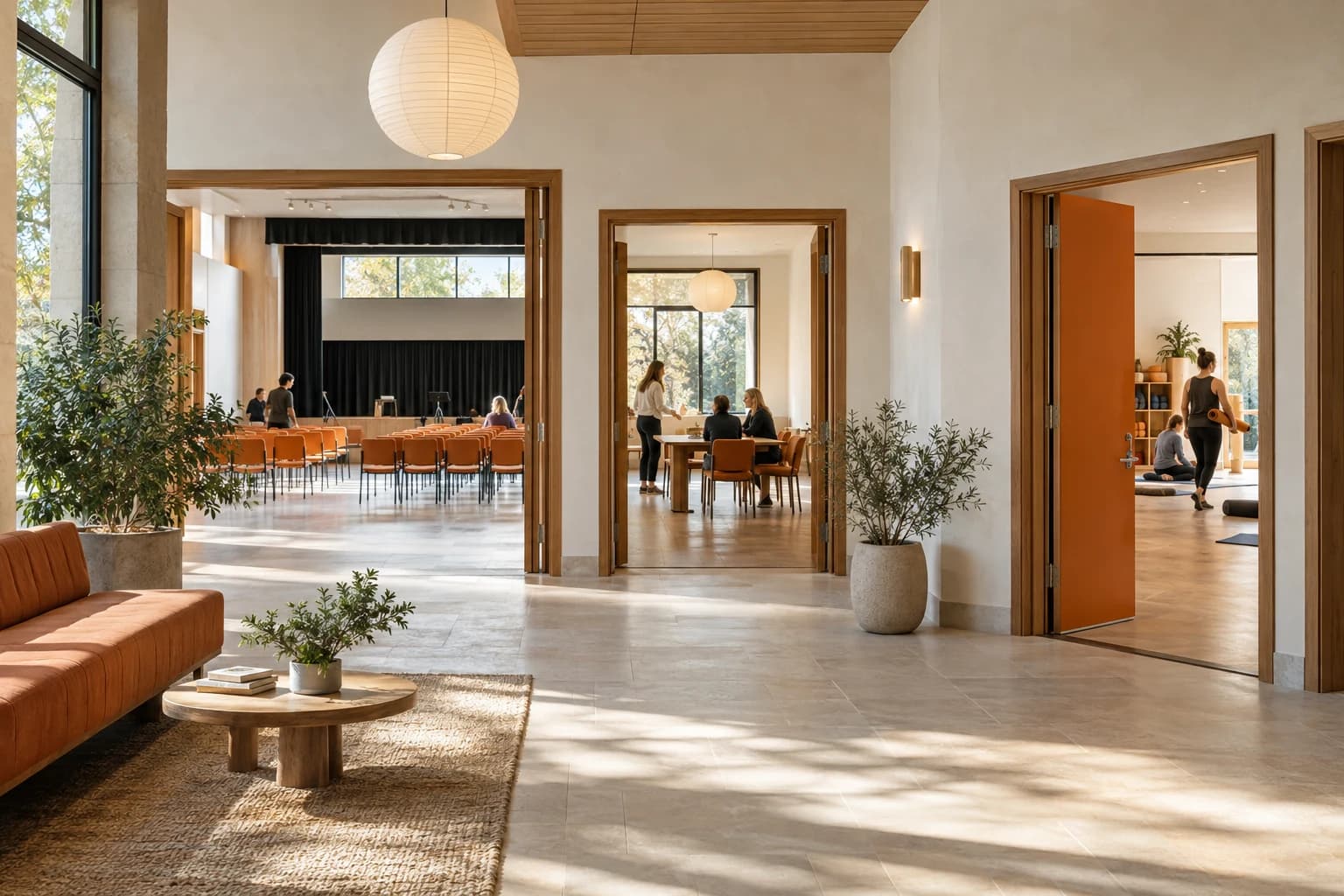
Make more room for your community.
Bookings
Let people find and book your spaces under your own brand.
Workflows
Review requests with the policies and documents in view.
Access
Give each team the right permissions for their venues.

Make room for your plans.
Community hall · Up to 60 people
Give every team the right access.
Set what each role can do and which venues they can manage. Keep organisation-wide oversight with the people who need it.
Explore AccessA role for every responsibility.
Illustrative example| Permission | Access |
|---|---|
| View bookings | |
| Review booking requests | |
| Manage financial records | |
| Manage roles and permissions |
Try a role. Permissions and venue access are configurable.
Your community. Your spaces. Your rules.
Different groups use spaces differently. Bring the right rates, policies and review requirements into each booking.
Rates that reflect your community
Use customer types to apply relevant rates.
A record behind each decision
Keep booking details, documents and financial records together.
Community hall
Riverside Hall
Illustrative rates and requirements for this space.
A few things you might ask.
Can staff manage only their assigned venues?
Yes. A role controls what someone can do, and venue access controls where they can do it. You can set permissions for local teams while retaining organisation-wide oversight.
Can different groups have different rates?
Yes. Customer types and applicable rates let you reflect the groups your organisation serves, from community clubs to businesses.
Can a booking require team approval?
Yes. Spaces can have review requirements, booking policies and document requirements, so your team has the context to make a decision.
Will the booking experience use our brand?
Yes. Use your logo, brand colour and favicon in the customer booking experience, and set your organisation’s email sender name and reply-to address.